Upload your PDF, get a shareable link in seconds, and paste it into any email.
For trial usage, the site will be deleted automatically in 5 minutes. If you like the service, please register a paid account to continue.
Everything you need to share a PDF.
Upload a PDF and get a public link in seconds. No servers, no setup — share it anywhere.

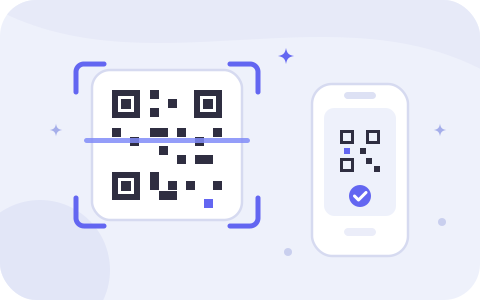
Each PDF comes with an auto-generated QR code you can download and print on menus, flyers, or business cards.
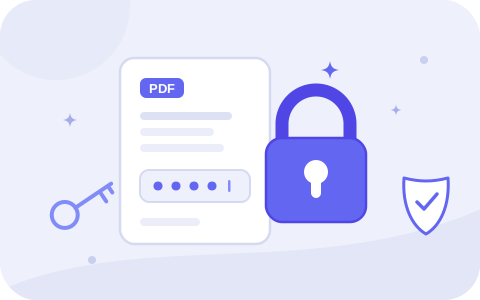
Lock a PDF behind a password so only the people you choose can open it.
See views, unique visitors, downloads, and where your readers come from.

Readers open your PDF right in the browser — fast, mobile-friendly, no download required.

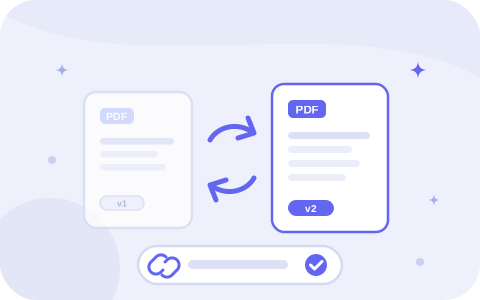
Re-upload a new version anytime. Your link and QR code stay exactly the same.
Stop worrying about setting a server for sharing PDFs.

Compressing, zipping, and splitting all cost you something.
Squeezing a PDF under 25MB usually turns your images and scans to mush — the whole point of the document is lost.
A .zip of an already-compressed PDF moves the needle a few percent, and recipients hate unzipping files.
Nobody wants your report delivered as four separate attachments they have to reassemble.
Gmail caps at 25MB and Outlook around 20MB — and thanks to encoding overhead, even a 24MB file can bounce.
Sharing a lead magnet instead? Host your lead magnet PDF →
Frequently asked questions
Use Cases
Upload PDF PDF Hosting Made Easy Host Resume Online Online Brochure Hosting Online Document Hosting Restaurant Menu Hosting Online Portfolio Hosting Online Hosting for Legal Documents Online Report Hosting Digital Scrapbook Hosting Host Business Proposals Online Host Training Manuals Online Host a Lead Magnet PDF PDF Too Big to Email Claude Site HostingFree Tools
Free Resume Builder Free Restaurant Menu Maker Free Portfolio Maker Free Zine Maker Free Funeral Program Maker Free Church Bulletin Maker Free Playbill Maker Free Event Ticket Maker Host a Claude ArtifactResources
Comparisons