
Posting a PDF on Facebook

Lina
Chief Editor
PDF is probably the most portable format for sharing your content. One of the best things about a PDF is that it can be used to display your files on any device. Whether it is an iPad or Android phone, your recipients can view your PDF documents with ease.
When creating a post on Facebook(personal page). You may want to share a PDF. Despite supporting posting photo, video or even GIF files, Facebook does not allow us to post a PDF directly:

Currently, you can only post a PDF to a Facebook group:
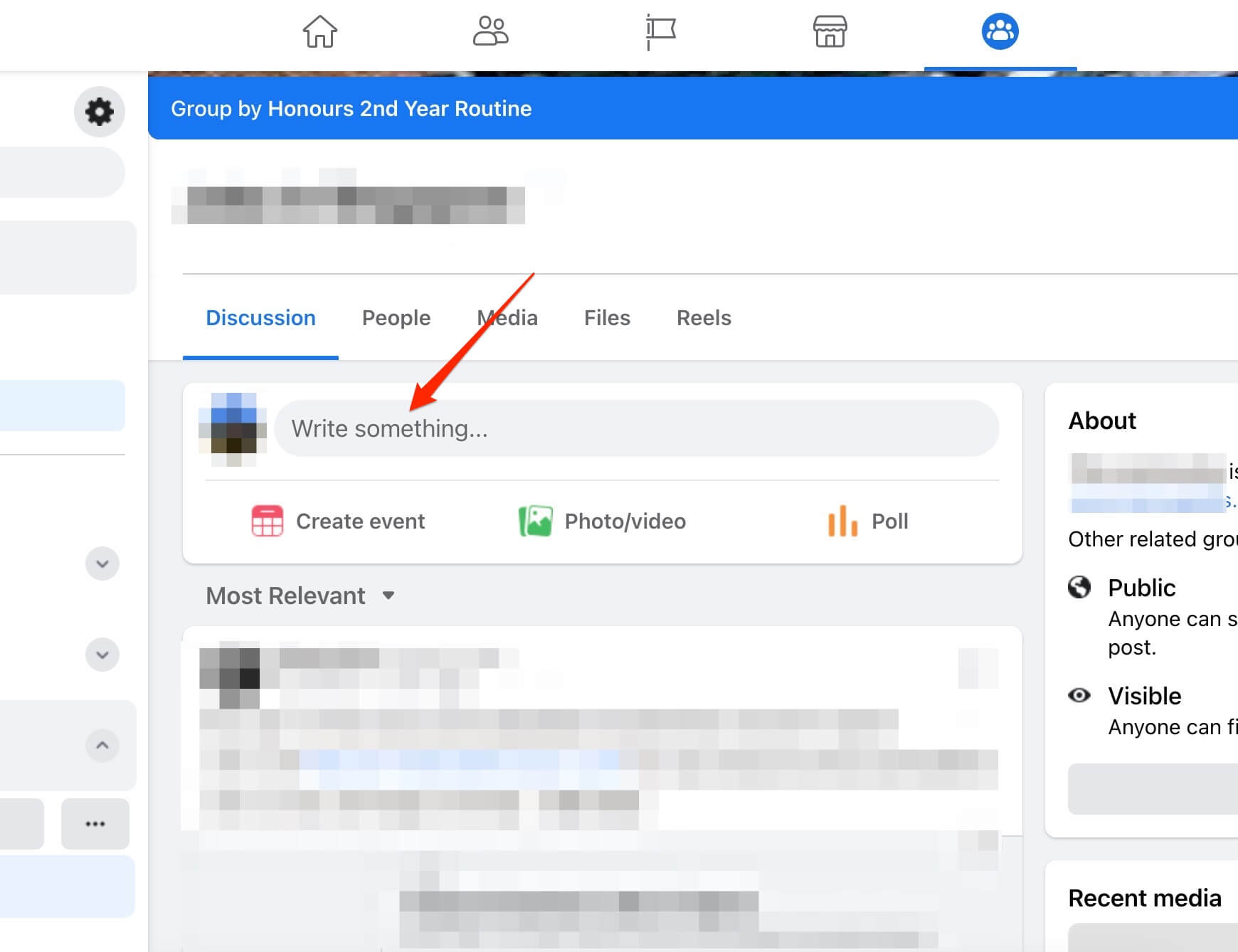
- Open the Facebook group page where you want to post a PDF and click the "Post" panel:
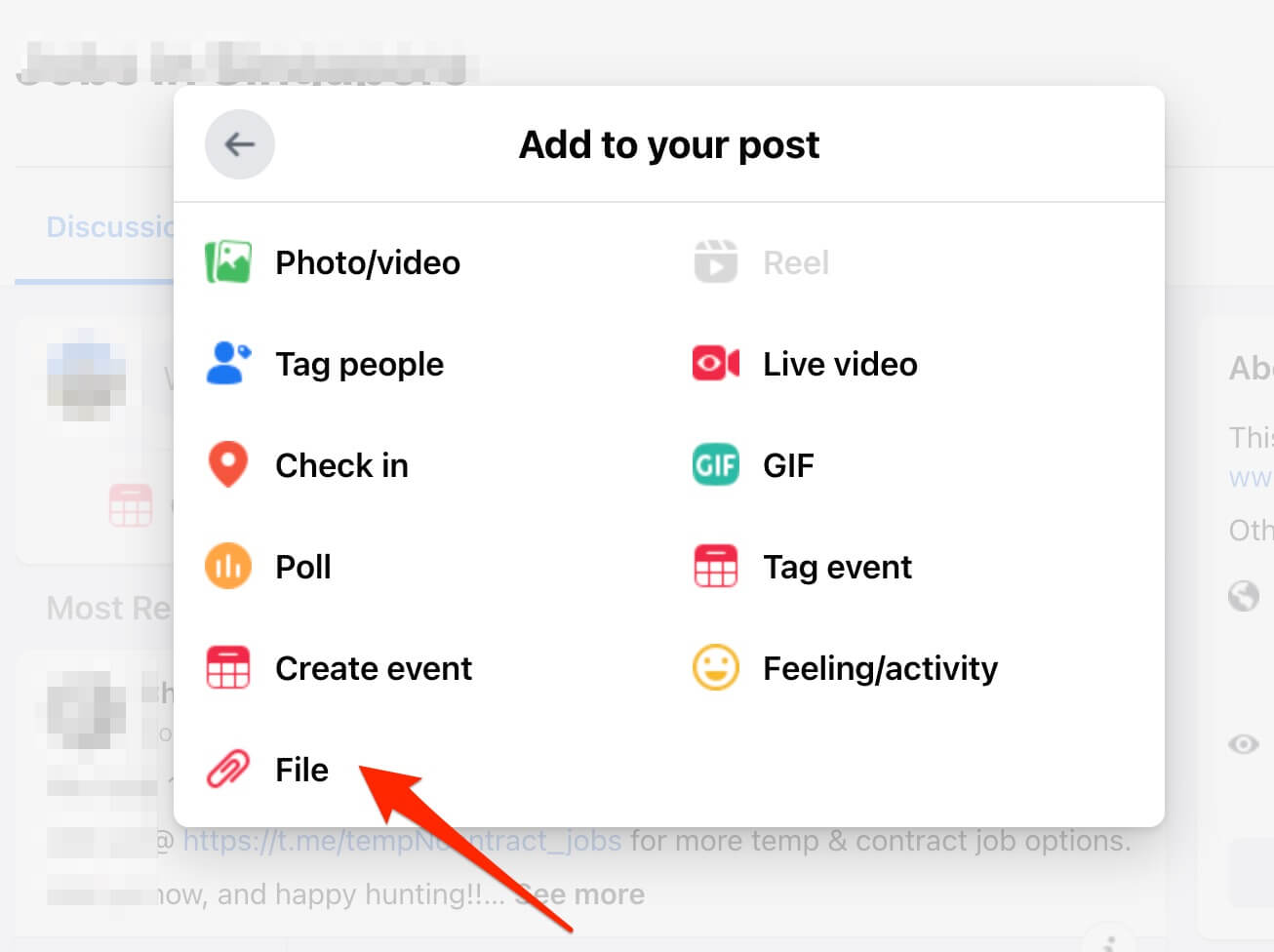
- Click the "..." icon for more options:

- Click the "File" option and you will be prompted to upload a PDF file.
Workaround: Posting a PDF on the Facebook personal page
Although Facebook does not allow us to post a PDF to our page. A workaround does exist:
- Head over to https://staticfast.com/ and drag-n-drop a PDF to the uploader:

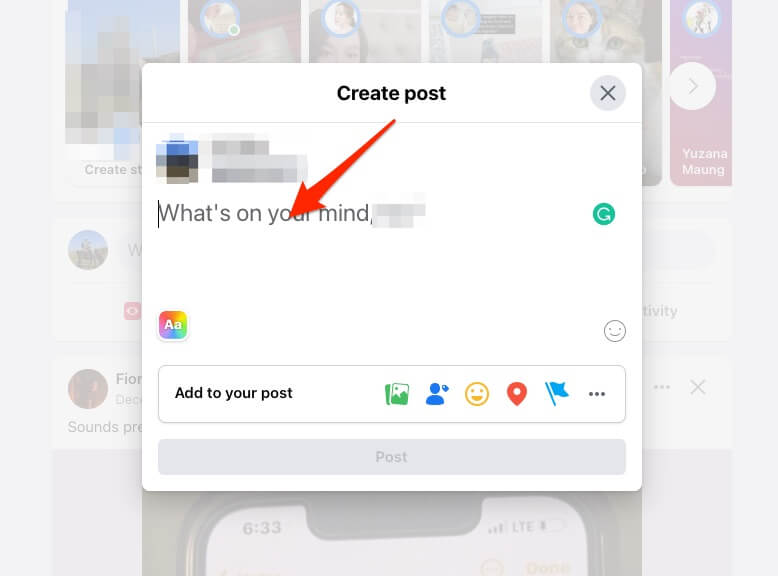
- You will get a shareable link to the PDF instant, and post the link to your Facebook page:
The end
Facebook allows posting a PDF to its Facebook group, however, to post a PDF to a Facebook personal page, we learned to use https://staticfast.com/ to do the job for us.